







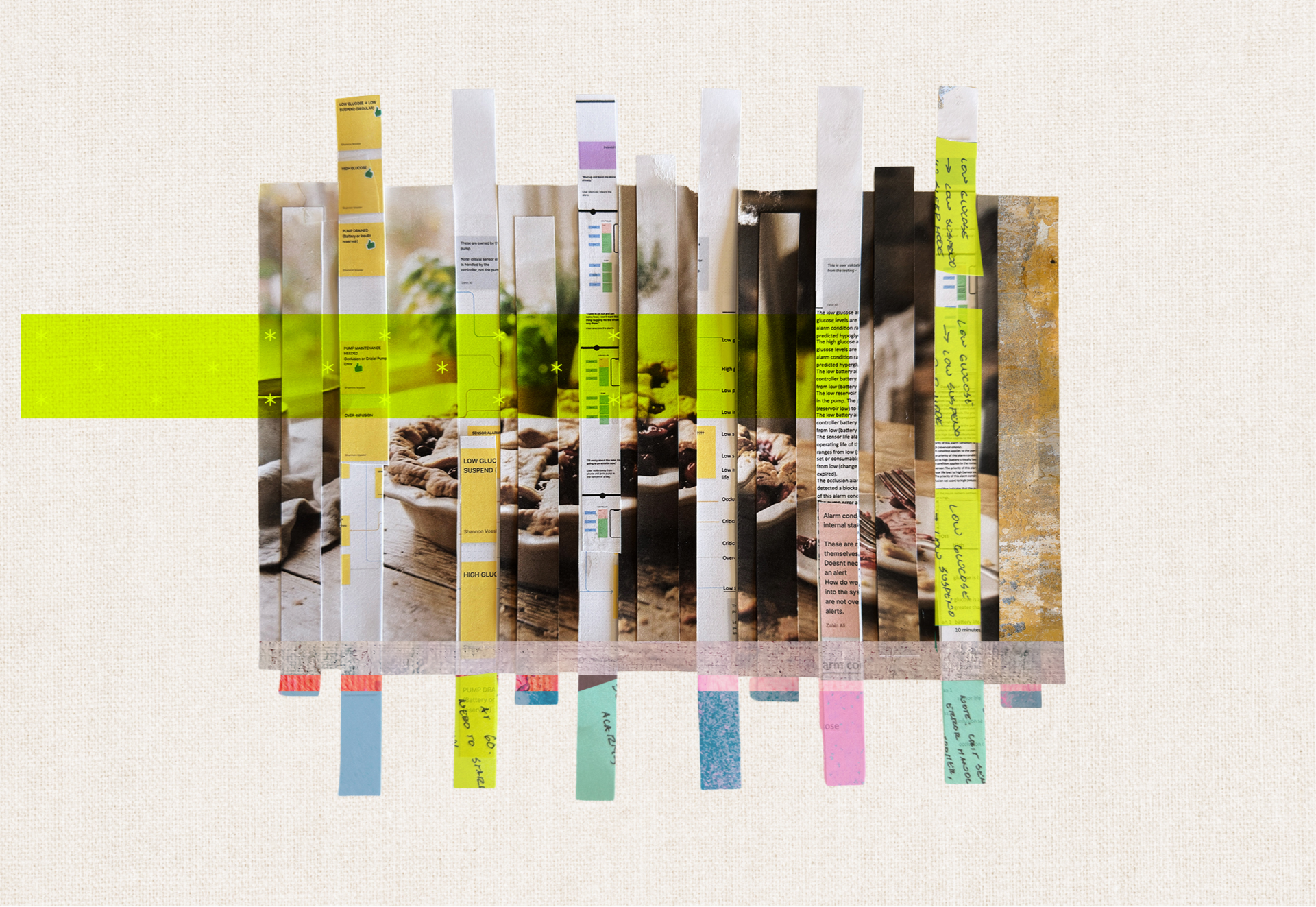


Often as designers, we default to an optimistic “Happy Path”—a term used by software designers to describe the best-case scenario for our products and their use cases. On the Happy Path, our end customers know exactly what to do and where to go to complete their tasks in the quickest, easiest way possible, without any hiccups or errors.
Sometimes, this idea of a seamless interaction journey is exacerbated by research biases, especially in healthcare. When we’re talking with real patients for research, they don’t always want to admit that they don’t take their medicine on time, or they don’t precisely follow the very strict diet their doctor prescribed, or they take shortcuts when they clean or replace parts of their medical devices.
The truth is, life is often the opposite of a Happy Path: It’s messy, complicated, disorganized, and convoluted. Folks often get lost, change their mind, make their own shortcuts, or choose to do things their own way, whether it’s been prescribed to them or not. And sometimes what someone should be doing doesn’t quite align with the constraints imposed by age, time, finances, or other health challenges.
So, if we expect our designs to function for real people in the real world, we must embrace the potential chaos that comes with it: To get people to fully engage with the products, services, or programs we design to help them get better, we have to plan for life to get in the way.
Here’s one way we do just that.
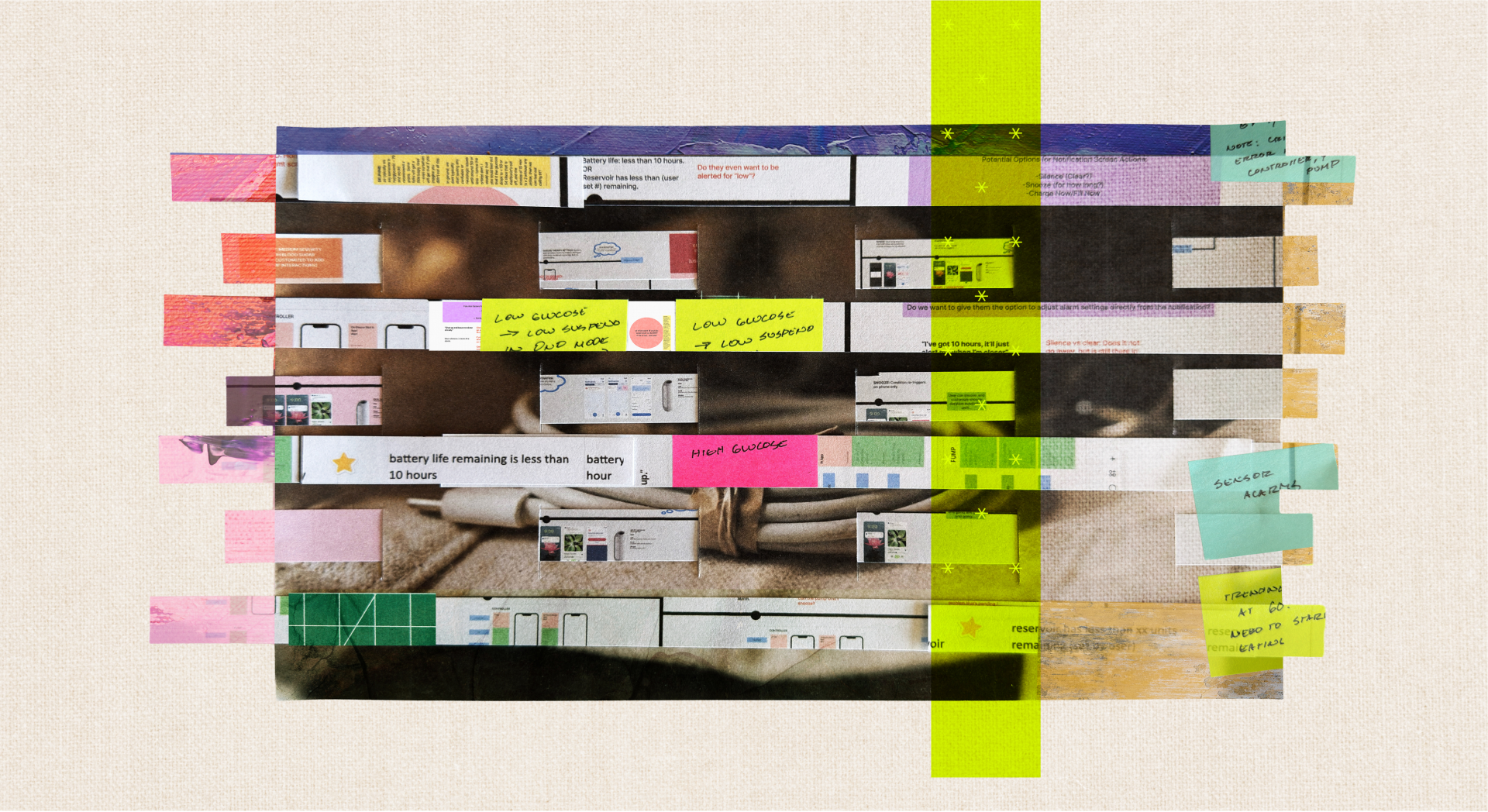
Step 1: Create a loveably noncompliant persona
Meet Bad News Bonnie, a fictional character we created for a diabetes project based on people we met in research, combined with stories and observations of people we know and love who are living with diabetes.
Bonnie was smart and headstrong, but like many people, she had particular physical, social, and technological challenges that made managing her diabetes devices a little extra challenging. She’d learned to live with arthritis and decreasing vision but also wanted to enjoy her golden years unfettered by overly complicated medical devices or procedures. So she lived by the mantra that she would just “figure it out” and often made trade-offs she thought improved her quality of life: She cheated on her diet. She never did all her exercises. And for the life of her, she couldn’t figure out how to use a smartphone, even with all the accessibility features turned on (much to the chagrin of her friends and family).
Bad News Bonnie was the type of person who would never sit still for a tutorial, take notes in class, or even click on a “help” menu, but somehow—somehow!—we had to make our product system accessible for even her. Because what kind of healthcare designers would we be if we let age—or even orneriness—be a barrier to care?
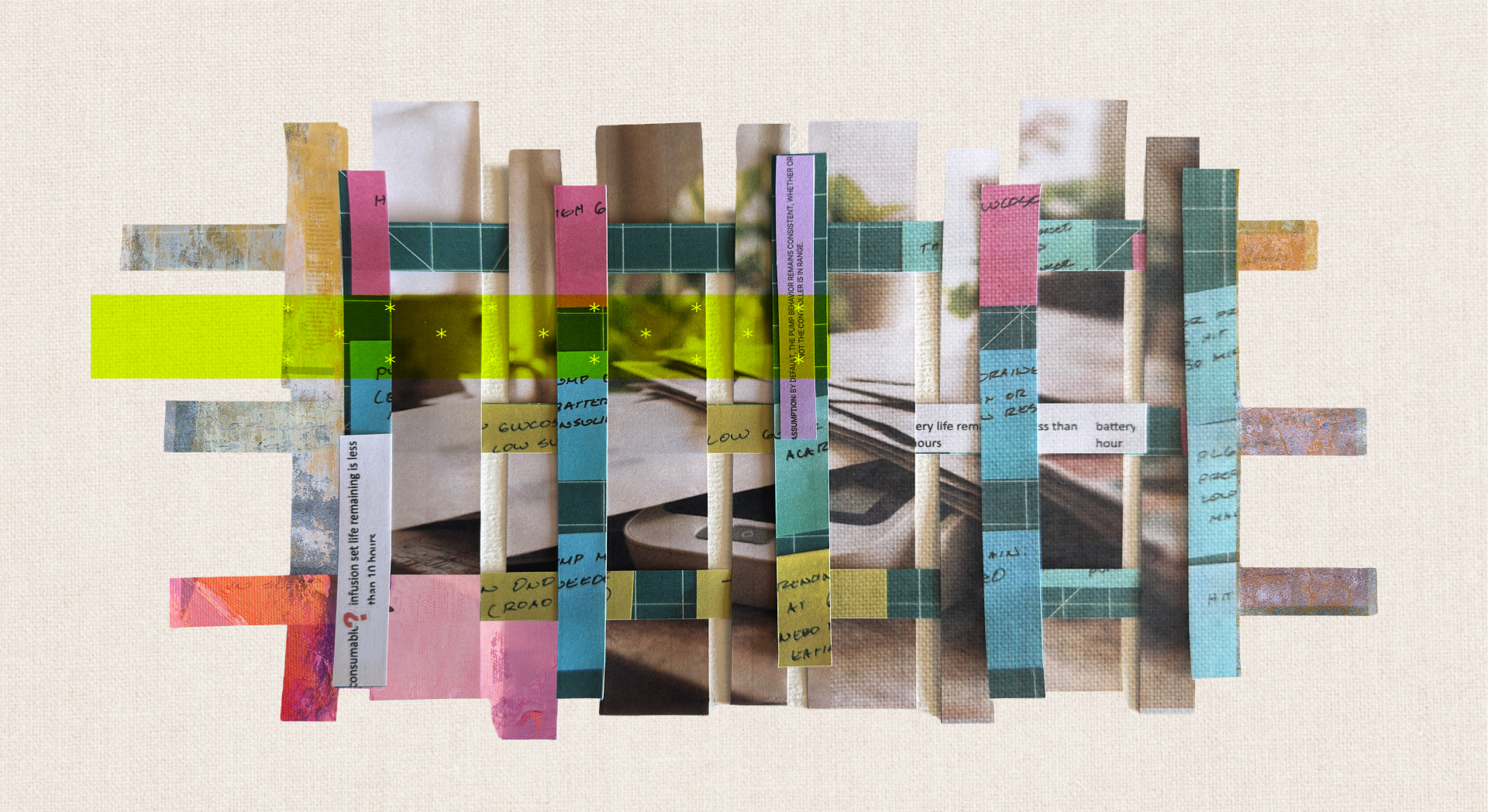
Step 2: Throw every challenge you can think of at your protagonist
Patients will face many complex challenges throughout their care. And as anyone living with a chronic illness will tell you, it’s never just ONE thing: it’s often just one thing after another after another. Consider all the things your character might need to overcome, and how she might respond to them.
In Bonnie’s case, we started by asking ourselves a simple question: What happens when her devices can’t connect with each other?
And then we made things worse. And worse. And worse.
What happens when her devices can’t connect with each other…
… and she doesn’t remember where she left them?
… and the battery dies, and she doesn’t know to plug it in?
… and then she eats a bunch of pie and needs her insulin?
… and then decides not to eat for a long time to make up for it and falls asleep?
Ultimately, we pushed poor Bad News Bonnie to the brink with dozens and dozens of “what if” scenarios—everything from devices dropped in toilets to fat-fingered improper data entry to missing hardware—to explore how the system might respond.
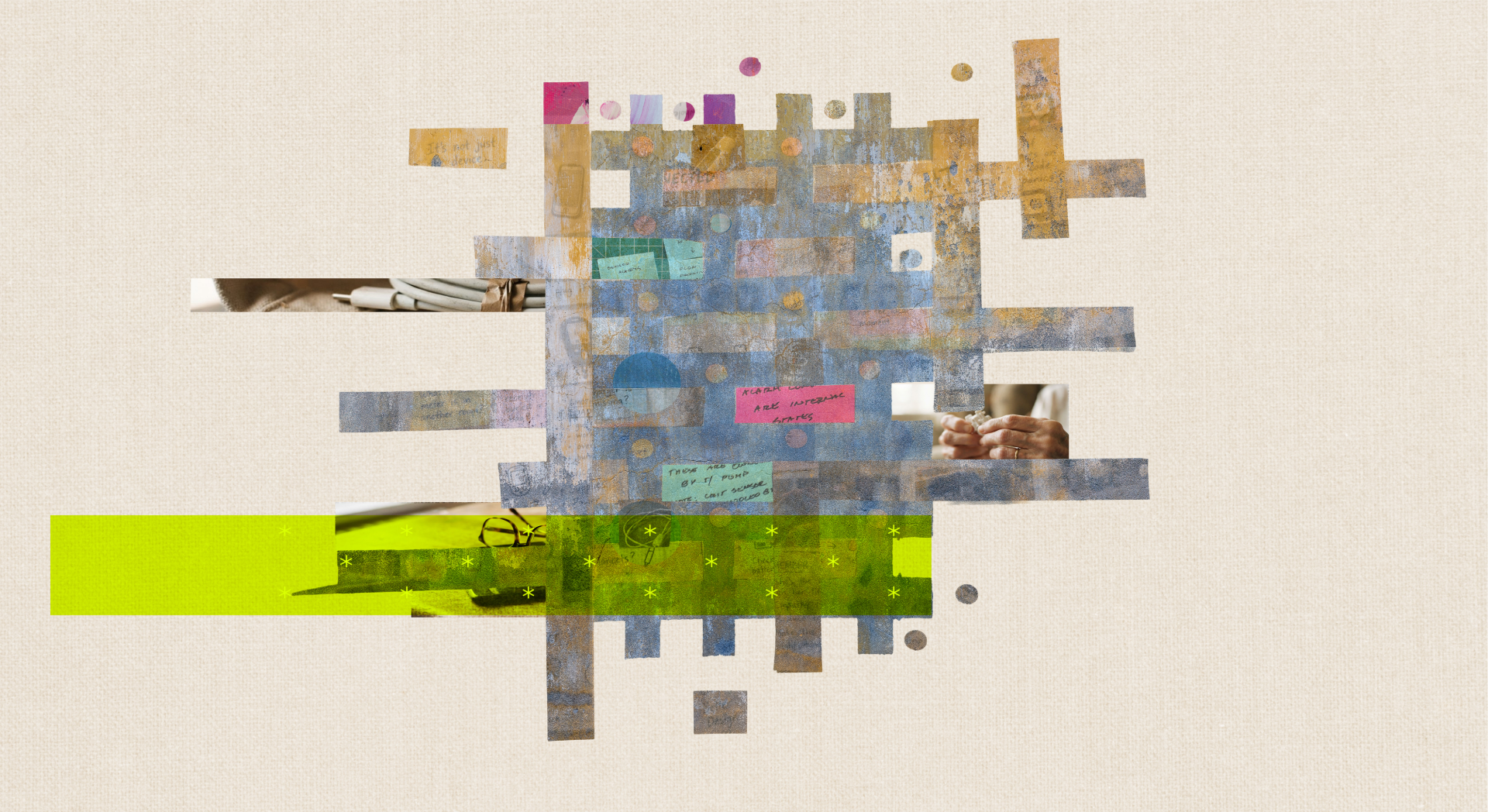
Step 3: Design your way out of the mess you just made
As designers, it’s part of our job to make things easier on those who use our products, services, or systems. And with attention spans getting shorter and shorter, it’s our responsibility to at least try to find the parts and places where things can break or go wrong, figure out what those friction points are, and bake in the appropriate solutions.
So after you’ve put your protagonist through hell, you have to figure out what to do about it.
With Bad News Bonnie, we explored how different parts of the system might send alarms, alerts, or notifications when things went wrong (or right!). Which device alerted Bad News Bonnie when? What happens when she inevitably hits the “snooze” button? How many times could she snooze?
Ultimately, this creative exercise yielded a giant if/then flowchart of how the whole system responded to different categories of conditions, and a massive reconceptualization of what an “alarm” versus an “alert” actually meant to end users. We wanted to make sure that folks like Bonnie could get the critical information they needed about their health without having to know all the ins and outs of the technology, while still creating opportunities for those who are more tech-savvy and data-hungry to customize all the bells and whistles, if they wanted.
Why personas like Bad News Bonnie really matter
Besides being a fun creative exercise, creating characters like Bad News Bonnie can help uncover significant flaws in your designs and make you a better designer in four ways:
Building empathy for the whole human: Bonnie helps you see your end users as complete humans, in all their flawed glory, just like the rest of us. Their hopes, fears, struggles, and needs often outweigh the in-the-moment requirements of whatever app, product, or system you’re designing. This clear and direct feeling of empathy will help evolve your designs beyond surface-level sketches and into true human-centric solutions.
Uncovering friction that could stall adoption: Bonnie also helps expose key barriers or points of friction that your product or service may encounter in the real world, and helps you address them. The less work your end user has to do—the less they have to fix something or work around something—the more they’ll be delighted by the fact that “it just works when you need it to.” (Don’t take this for granted.)
Elevating inclusivity: A character like Bonnie makes your work more inclusive by design. The less you assume your end user knows how to do everything naturally, the more you build in multiple guardrails for accessing help and/or nudging them in the right direction, and the more your work inevitably becomes accessible to those with lower tech literacy, different learning styles, or those with intellectual or linguistic challenges.
Revealing greater opportunities for design: Thinking this way opens your mind to larger systemic shifts, connections, or contingencies that you might have never understood or uncovered. Is your current design the end-all-be-all solution for this population? Or are there other products, services, or solutions that are necessary to make it work? How might the whole system function more effectively or efficiently to better meet the needs of your particular population?
For most of us, life doesn’t always follow the Happy Path. There are barriers, challenges, and shortcuts aplenty—probably more than we want to admit. And if we only design for the best-case scenario, we’re missing vital moments when we can truly make an impact in someone’s life.
So the next time you feel compelled to stick to the Happy Path, or you truly want to pressure-test your ideas against the realities of the real world, consider a Bad News Bonnie of your own. Create a persona. Put them through hell. And then design your way out. Your design and the people who use it will be better off for it.
Heading 1
Heading 2
Heading 3
Heading 4
Heading 5
Heading 6
Lorem ipsum dolor sit amet, consectetur adipiscing elit, sed do eiusmod tempor incididunt ut labore et dolore magna aliqua. Ut enim ad minim veniam, quis nostrud exercitation ullamco laboris nisi ut aliquip ex ea commodo consequat. Duis aute irure dolor in reprehenderit in voluptate velit esse cillum dolore eu fugiat nulla pariatur.
Block quote
Ordered list
- Item 1
- Item 2
- Item 3
Unordered list
- Item A
- Item B
- Item C
Bold text
Emphasis
Superscript
Subscript