





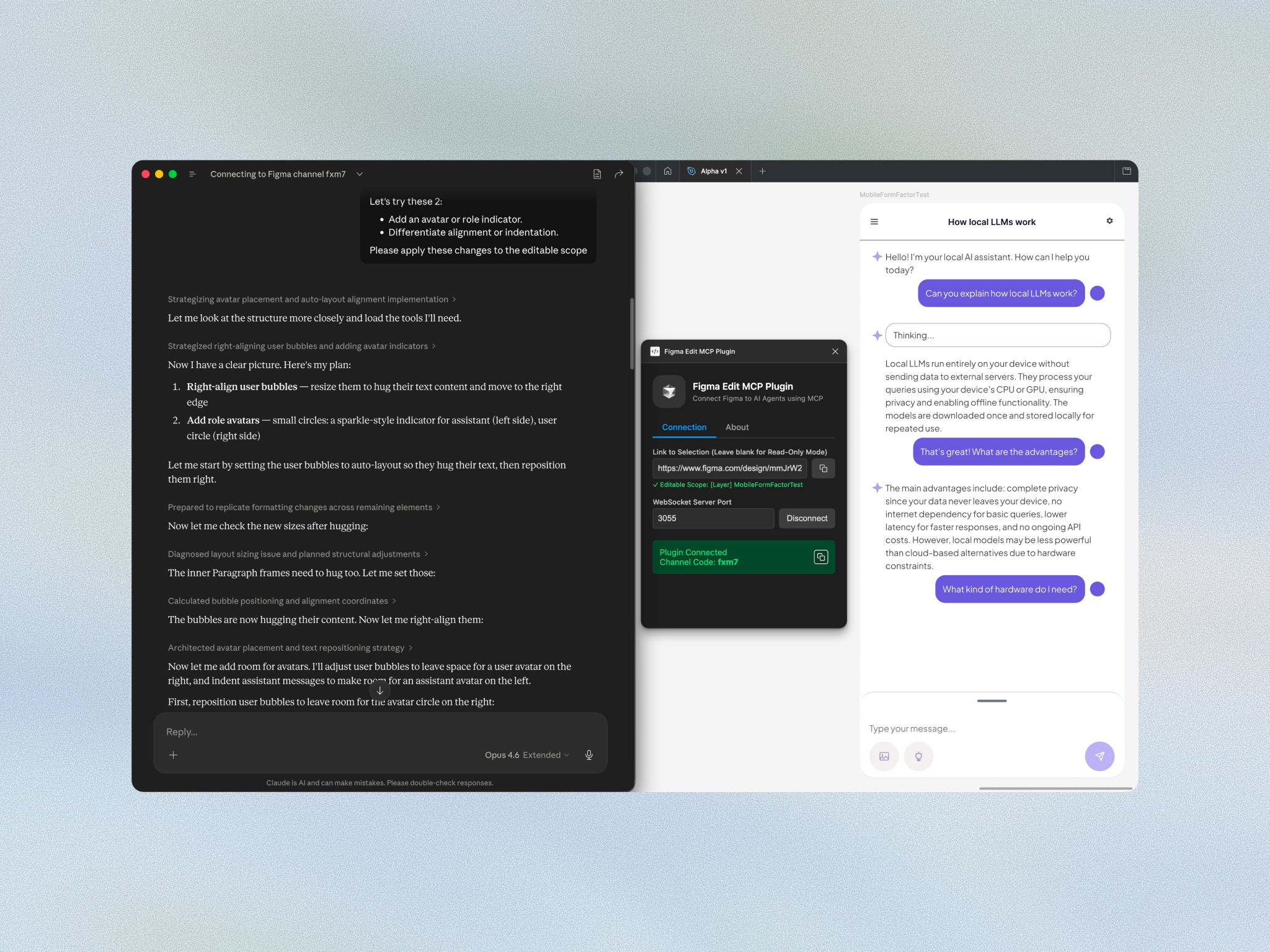
Built on the Model Context Protocol (MCP), Figma Edit MCP connects AI assistants such as Claude or Cursor directly to live Figma files via a plugin for the Figma desktop app. Neo explained that while many AI design tools are impressive at conjuring a single mock-up from thin air, they are far less prepared for the patient, structured craft of building and maintaining reusable design systems.
Figma Edit MCP was created for that more exacting work. Neo described it as a “design intern”: not the person deciding what the work should become, but the capable helper tidying layers, pushing pixels, renaming batches, and carrying out the small but necessary tasks that keep a system from falling into disarray.
The session centered on three principles: safer, cleaner, and faster. Neo introduced a tripartite system in which the human designer remains the visionary director, the AI orchestrates the work, and Figma Edit MCP enforces strict programmatic boundaries. It is a carefully arranged separation of responsibilities, designed to let automation move quickly without wandering beyond its instructions.
What sets the approach apart is its starting assumption. Where most tools that hand an AI write access to a Figma file trust the model to behave, Figma Edit MCP assumes the opposite. The AI is treated as untrusted with respect to edit safety and never decides for itself what is safe to change. The human designer makes the rules, and Figma Edit MCP enforces them. When the AI reaches for something the rules don't allow, Figma Edit MCP blocks the attempt, acting like an airtight barrier the AI cannot slip past.
In a live demonstration, Neo showed how Figma Edit MCP can restrict AI access to specific frames, verify node names to reduce hallucinations, and perform targeted audits inside a design file. One example involved finding hardcoded hex values and mapping them to established Figma color variables: a modest act on the surface, but one with real importance for keeping a design system coherent at scale.
The guardrails enforced by Figma Edit MCP reach from where the AI may work to what it may touch. Locked layers are off-limits, and the design system's global tokens require explicit permission from the user. In addition, bulk edits are all-or-nothing. If a single target is invalid, the whole operation is refused before anything changes, never applied halfway and abandoned.
The broader argument was that AI’s value in design systems may lie less in theatrical invention than in dependable service. By handling maintenance, propagation, and other repetitive work, Figma Edit MCP gives designers more space to focus on taste, strategy, and the decisions that still require a human hand.
Part of that dependability is candor about what it does not promise. Figma Edit MCP guarantees which node an AI can touch and what kind of change it can make, but not whether a rule-abiding edit adheres to the human designer’s creative direction. Intent stays with the human; Figma Edit MCP removes the accidents.
By the end, Figma Edit MCP appeared less like a replacement for designers than a well-trained assistant in a busy studio: useful because it knows its place, powerful because it works within limits, and promising because it helps complex design systems remain orderly over time.